
The paper diary has one enormous advantage over any garage management software: it costs nothing. Or it appears to. In practice, a workshop running on a diary, a job pad and a spreadsheet is paying for it every week — in hours that were worked but not billed, customers who quietly went elsewhere, and the evenings the owner spends doing admin. This is an honest attempt to put some shape on that.
First, in fairness: when paper is fine
A one-person operation doing a handful of jobs a day, with regulars who ring and turn up, can run perfectly well on a diary. If that is you, and you are happy, there is no case for change. The problems below start when there is more than one person, more than one ramp, or more than one thing going on at once — which describes most garages.
The costs that do not show up on a bank statement
Work done, never invoiced
A technician finds a split CV boot while the car is up, replaces it, mentions it to the front desk, and it never makes the invoice. Or the job overruns by forty minutes and the estimate is billed as quoted. Every garage on paper loses some of this. It is rarely large per job. Across a year it is a wage.
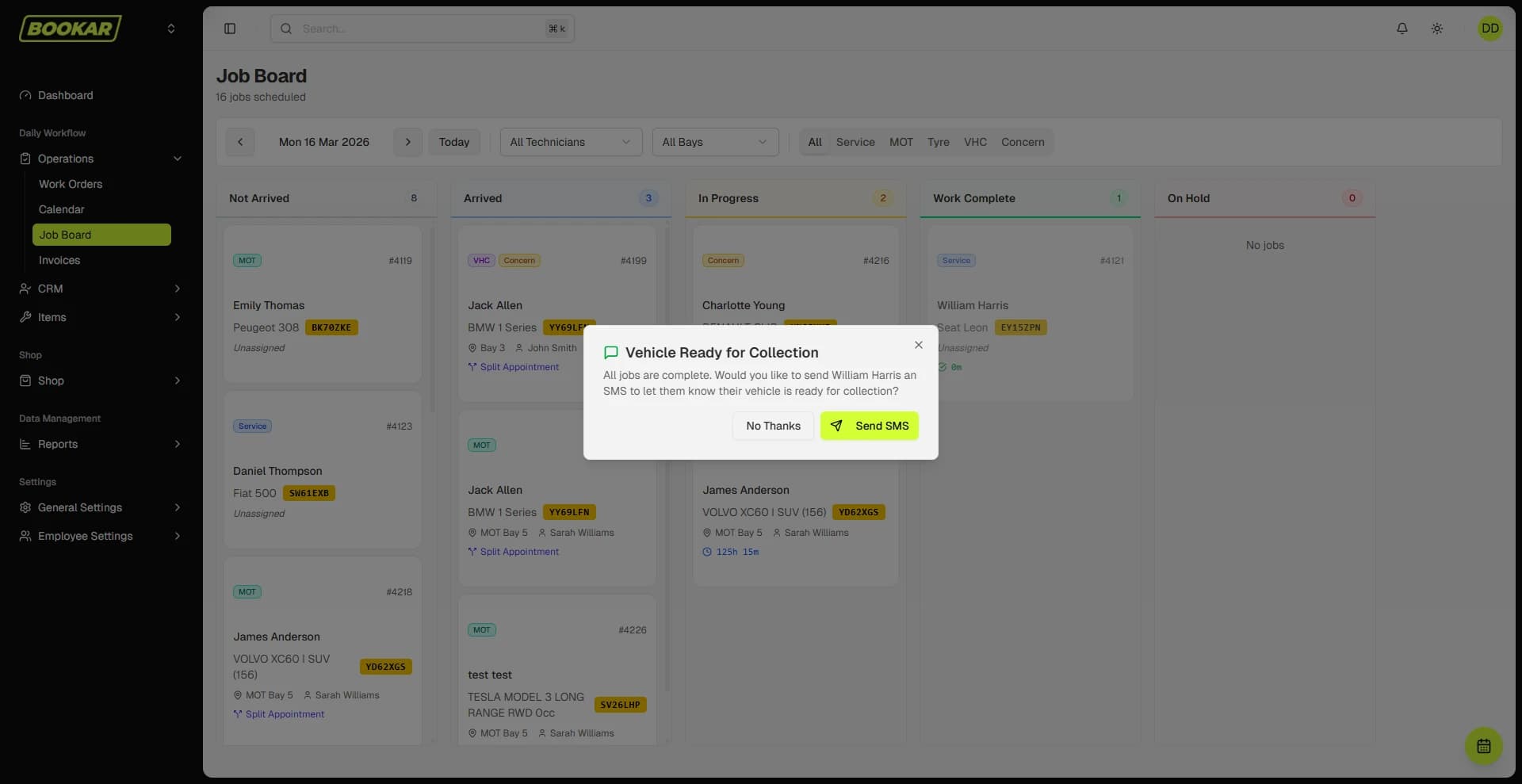
With a job card on a tablet, the technician adds the part and the time as they go. It is on the invoice because it is on the job.
Reminders that go out late, or not at all
The MOT reminder list is the highest-return marketing a garage has and the first thing that gets dropped when it is busy. A customer who does not hear from you books wherever they searched first. You do not lose the MOT; you lose the MOT, the service, the tyres, and the next three years.
Garage management software sends the reminder on the right day, by text and email, whether or not anyone remembered.
No-shows
No confirmation, no reminder, no deposit, and a booking taken by phone three weeks ago. Some of those customers will forget. An empty two-hour slot on a ramp is money that cannot be earned back.
The phone
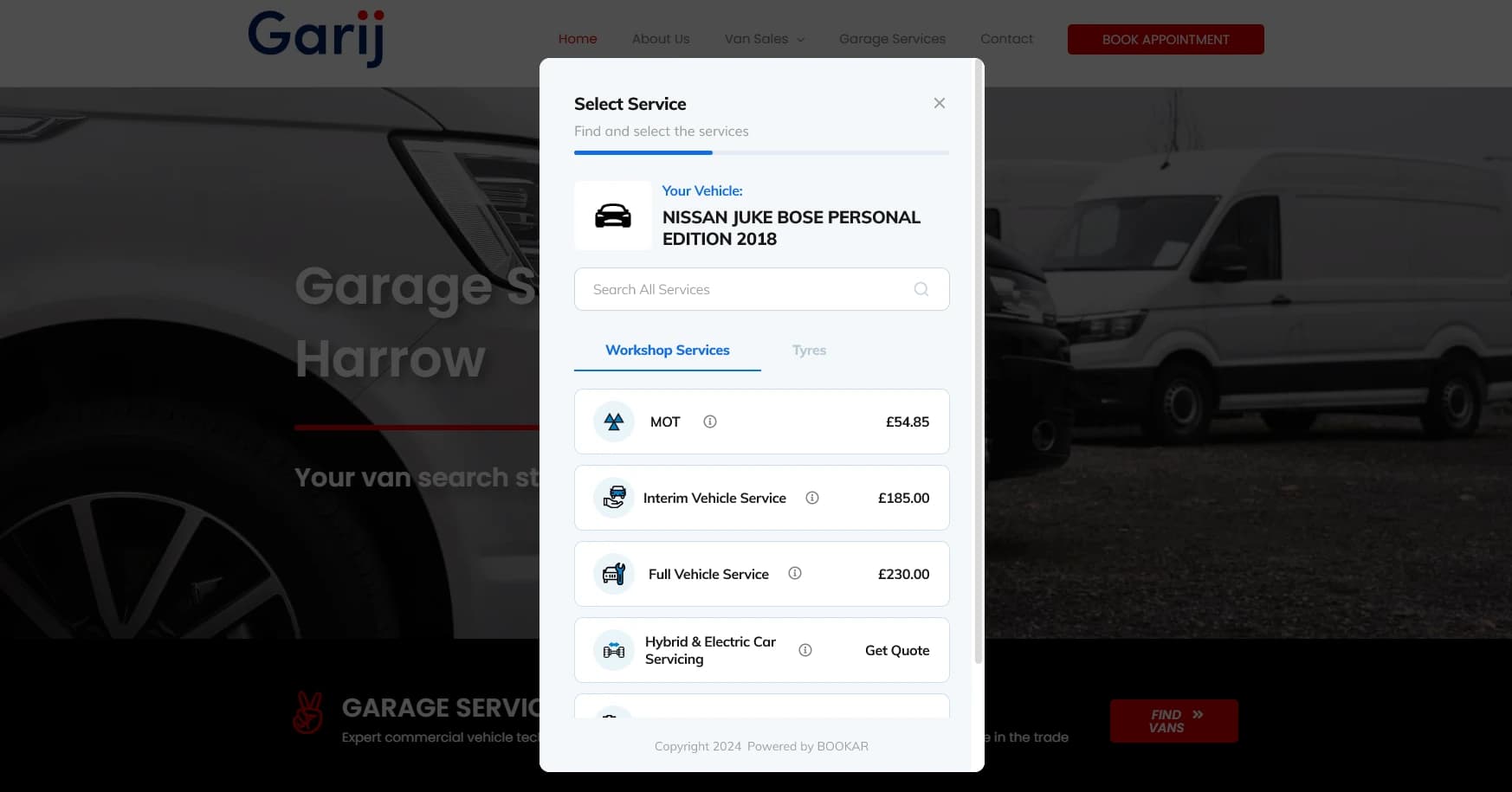
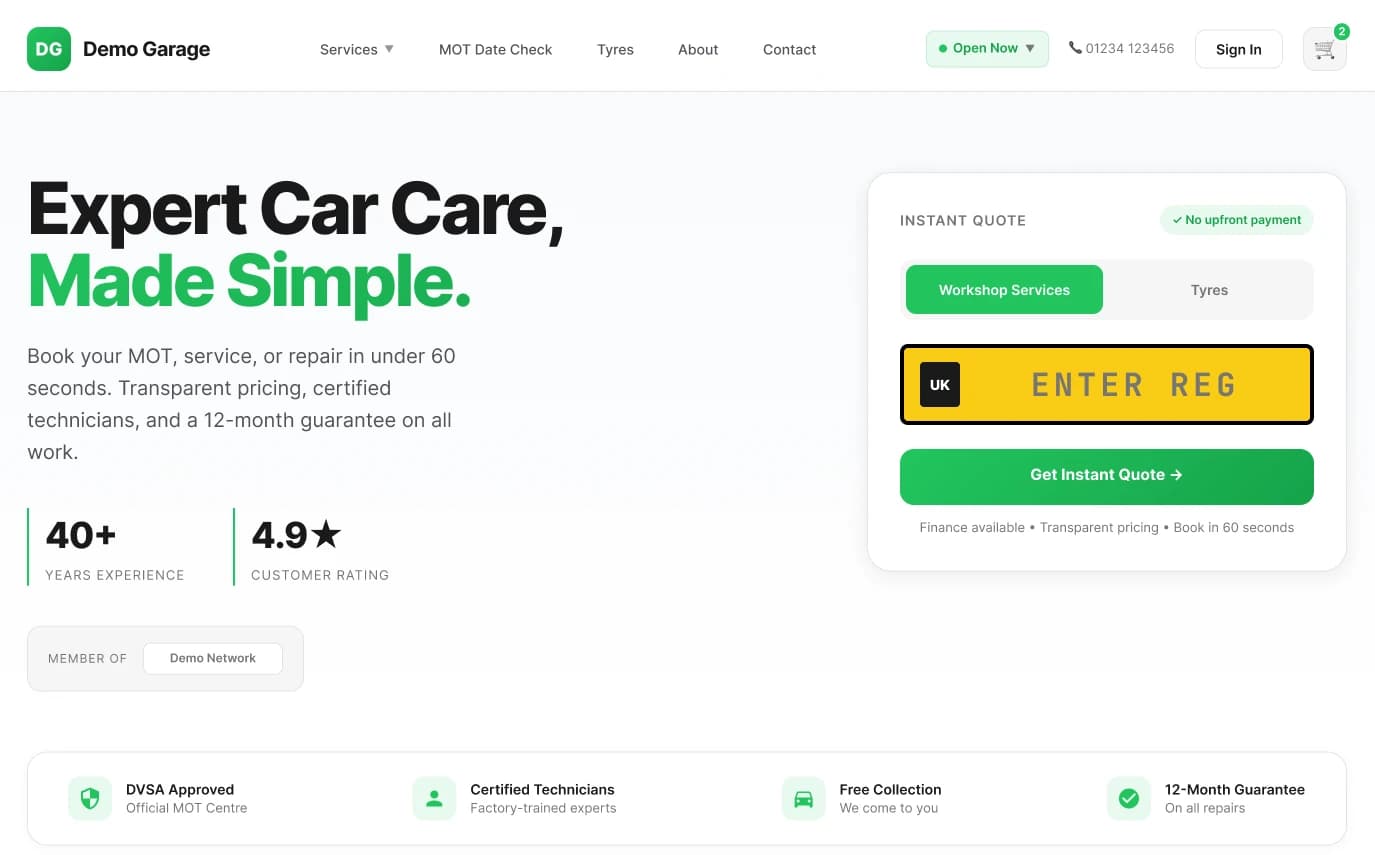
Every “is my car ready?” call is a minute for the caller and two minutes of someone's day in the workshop. Every “can I book an MOT?” call during the day is a booking that could have been made online at 9pm, correctly, with no one interrupted. See why your garage needs an online booking system for the full argument.
Chasing authorisation
The car is on the ramp, the technician has found something, and the customer is not answering. The ramp waits. Multiply that by every additional-work conversation in a week. A digital VHC with a photo and a one-tap approve link gets a yes in minutes, and gets more yeses.
The one person who knows how it works
This is the quiet one. In most paper-run garages, one person understands the diary, knows which regulars get which price, and remembers which car is waiting on which part. When they are off, everything slows down. When they leave, it is a crisis. Software makes that knowledge belong to the business.
Not knowing the numbers
How many hours did the workshop sell last week? What is outstanding on unpaid invoices? Which technician is booked solid and which has gaps? If the answer involves going through the diary with a calculator, the month is over before you know how it went.
Side by side
| Task | Diary and spreadsheet | Garage management software |
|---|---|---|
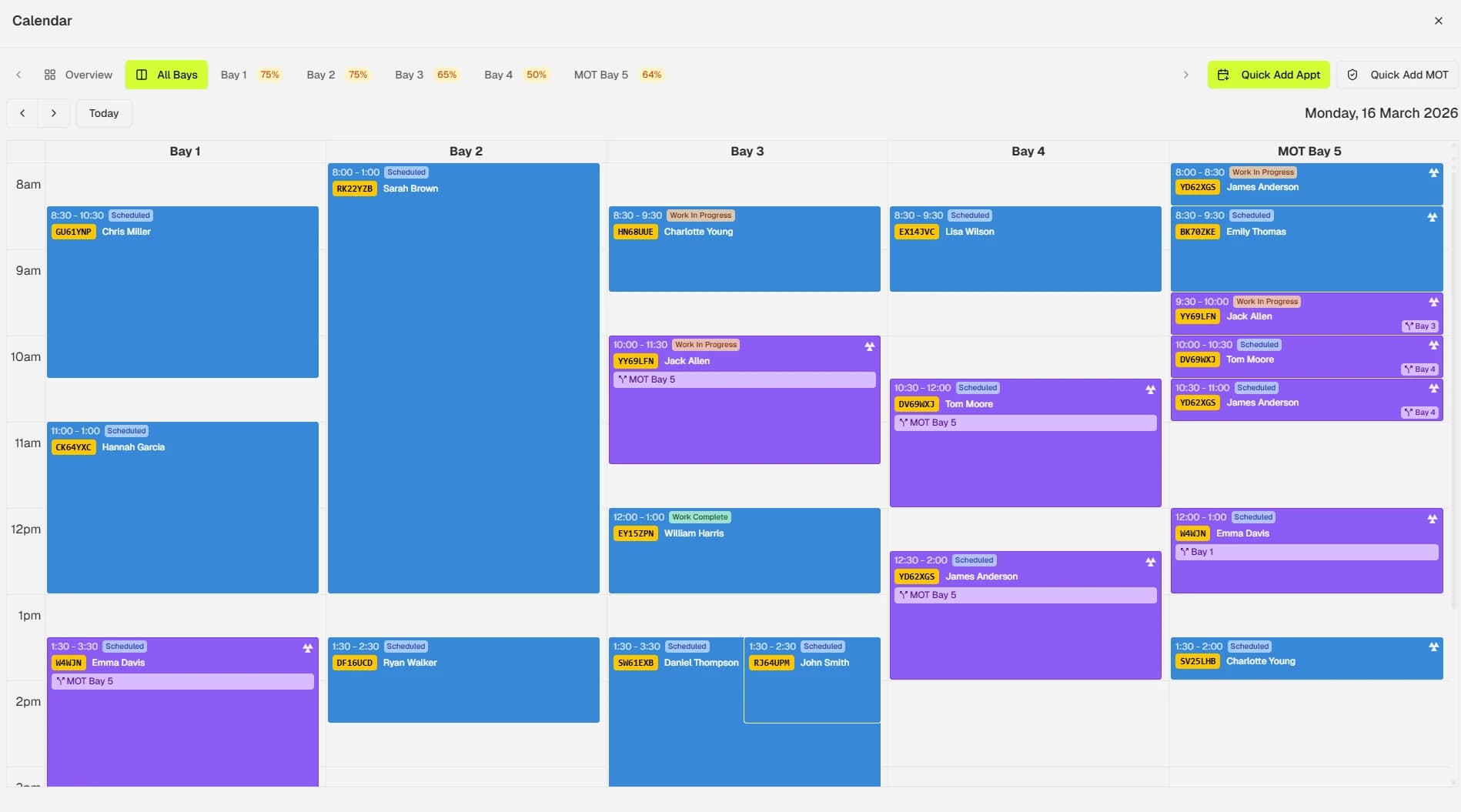
| Taking a booking | Phone, during opening hours, written by hand | Online, any time, straight into the diary |
| Job card | Paper sheet clipped to the keys | On a tablet, with parts and time added as work happens |
| Additional work | Phone call, wait for answer | Photo VHC, one-tap authorisation |
| Invoicing | Typed up from the job sheet | Generated from the job card, paid by text link |
| MOT reminders | When someone has time | Automatic, text and email |
| Customer history | In someone's head | Every job, every vehicle, searchable |
| Weekly numbers | Calculator and an evening | On screen |
Making the move without chaos
The reason garages stay on paper is not the cost of software. It is the fear of the changeover. That fear is reasonable — and manageable:
- Get your customer and vehicle data imported. Any decent vendor will do this for you. Do not start with an empty system.
- Run both for a fortnight. New bookings go into the software; jobs already in the diary finish on paper.
- Start with bookings and job cards. Reminders, VHC and accounts integration can follow once the diary is second nature.
- Put a tablet in the workshop on day one. If technicians have to walk to the office to update a job, they will not.
If you are weighing up systems, our checklist of questions to ask before you sign will save you a wasted demo or two.
See the numbers for your garage
Tell us how many ramps and technicians you have and we will show you what BOOKAR would cost and what it replaces.