
Changing garage management system is one of the more disruptive things you can do to a workshop. Your team has to relearn the diary, your customer data has to move, and for a few weeks everything takes longer. So it is worth getting right first time. These are the questions we would put to any vendor — including us — before signing anything.
1. Does it run in a browser, on any device?
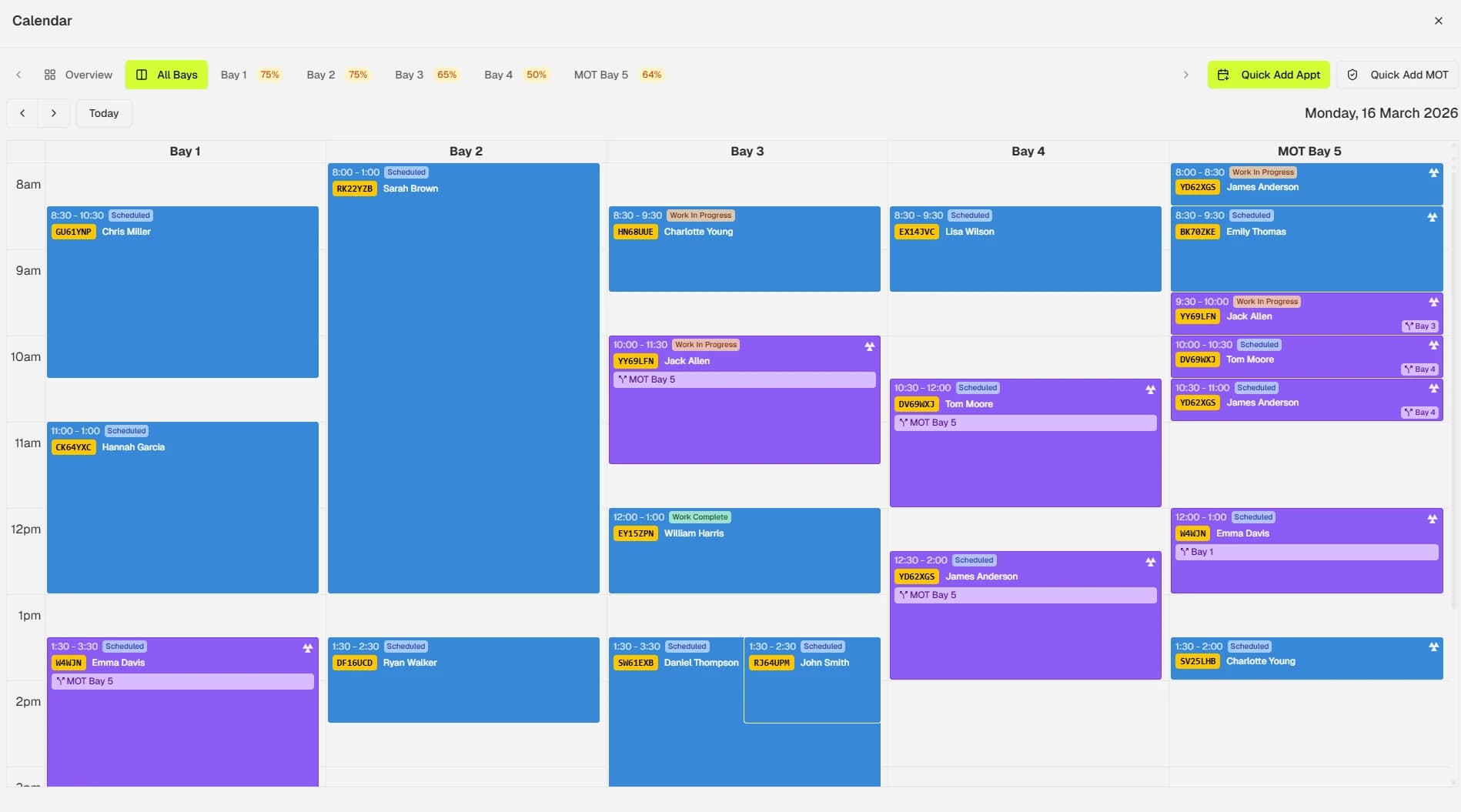
If the answer involves installing software on a PC in the office, that PC becomes the bottleneck. A modern garage management system should work on the front-desk monitor, a tablet on the workshop floor and your phone in the evening, with no installation and no version to keep updated. Ask specifically whether technicians can use it on a tablet next to the car.
2. Is online booking part of the system or an add-on?
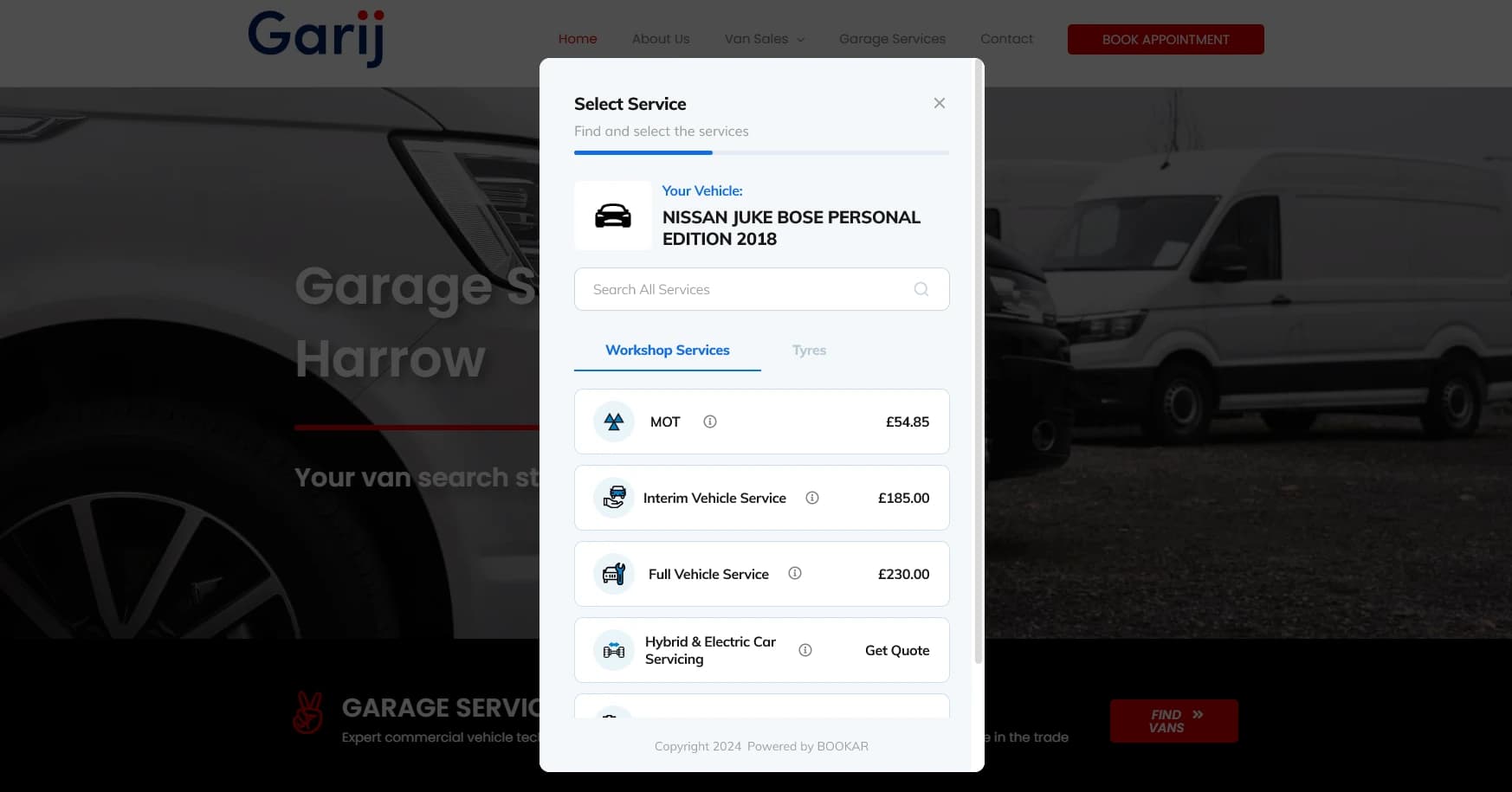
This is the one most garages get caught by. Plenty of systems “support” online booking by integrating with a third-party widget. In practice that means two systems, two sets of availability, and bookings that arrive by email and get keyed in by hand. Ask: when a customer books on our website at 10pm, where does that booking appear, and who has to touch it before it is in the diary? The right answer is “nowhere, it is already there”. More on this in why your garage needs an online booking system.
3. Does it handle the whole job?
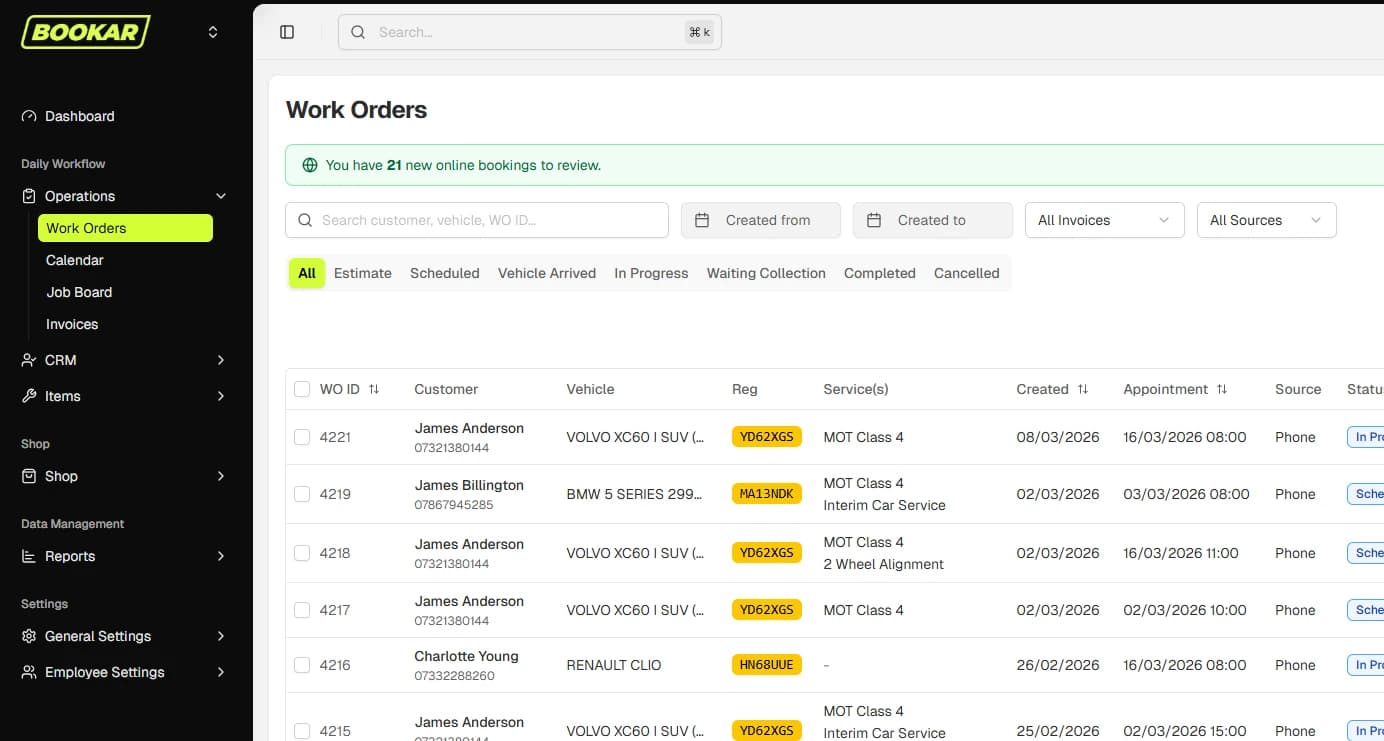
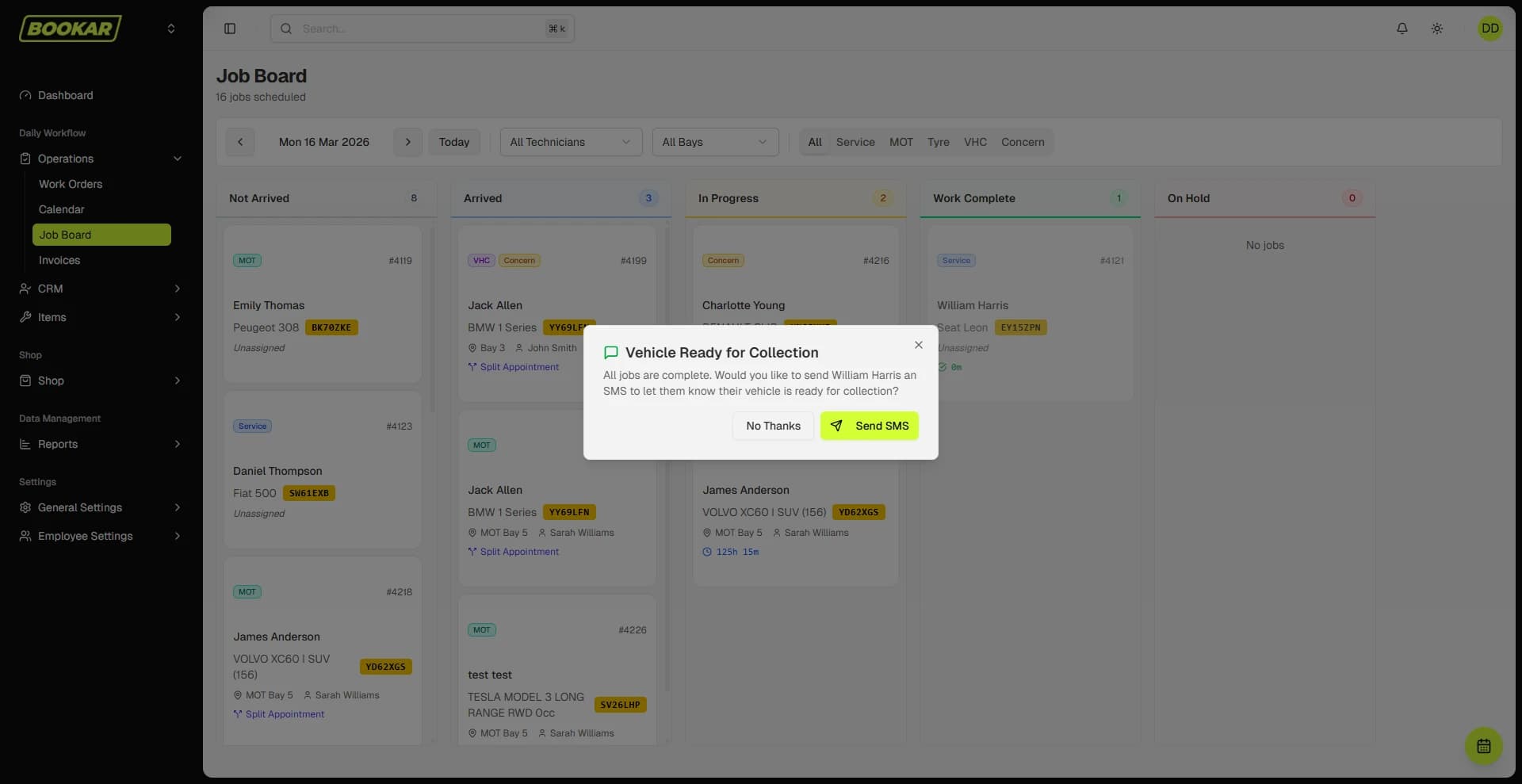
Quote, booking, job card, additional work, authorisation, invoice, payment. If any step in that chain happens outside the system, that is where errors and unbilled work creep in. Ask to see one job go from enquiry to paid in the demo, without switching tabs.
4. Does it look up vehicles from the registration?
Typing in a make, model and engine size is a waste of everyone's time. Registration lookup that pulls the vehicle details, MOT due date and tax status should be standard. Ask whether that lookup is included in the price or charged per query.
5. Are MOT and service reminders automatic?
Not “can it send reminders” — every system can. The question is whether they go out on their own, by text and email, without someone remembering to run a report on a Friday. Retention is the cheapest revenue a garage has, and it depends entirely on reminders actually being sent.
6. Does it include digital vehicle health checks?
A digital VHC with photos and a one-tap authorisation link is now one of the biggest drivers of additional work in a workshop. If it is a separate product with its own subscription, find out what it costs and whether the approved work flows back onto the job card automatically.
7. Does it connect to your accounts package?
Xero, QuickBooks, Sage — whichever your accountant uses, invoices and payments should post across without re-keying. Ask how it handles part-paid invoices, credit notes and deposits, because those are where accounting integrations usually fall over.
8. Does it connect to your parts and tyre suppliers?
Ordering parts from inside the job card, with the cost landing on the invoice automatically, saves time and stops parts being forgotten at billing. Check which suppliers are integrated and whether that includes the ones you actually use.
9. What does it look like with two sites?
Even if you have one site today. Some systems handle multiple branches as separate accounts with separate customer lists, which is fine until a customer from site A turns up at site B. Ask whether customers, vehicles, pricing and reporting can be shared across locations.
10. What does onboarding actually involve?
Specifically:
- Who moves your customer and vehicle data across, and what does it cost?
- How long from signing to the first booking going through the new system?
- Is training included, and is it live or a set of videos?
- Can you run the old and new system side by side for a week?
A vendor who cannot answer these clearly has probably not done many migrations.
11. What is the real monthly cost?
Ask for one number: what will this cost per month for our garage with everything we need switched on. Then check the things that quietly inflate that figure:
- Per-user fees (does every technician need a licence?)
- Text messages charged separately
- Online booking, VHC or reminders as paid modules
- Minimum contract term and notice period
- Setup fee
Then ask what happens to your data if you leave. You should be able to export your customers, vehicles and history in a usable format at no charge.
12. Who do you speak to when something goes wrong?
On a Saturday morning with a full diary, “raise a ticket and we will respond within two working days” is not support. Ask who answers the phone, where they are based, and whether they have ever worked in or with a garage. Ask to speak to a customer who has been using the system for a year.
Red flags
- A demo that avoids showing a full job from booking to invoice.
- Pricing that is “tailored” and not written down anywhere.
- Online booking that opens in a different window with a different logo.
- A twelve-month minimum with a three-month notice period.
- No clear answer on exporting your data.
- An interface that looks like it was designed before smartphones existed. It probably was.
A shortlist checklist
Before you book demos, write down the five things your garage actually needs to fix. Not the features list — the problems. “We miss bookings when the phone rings while everyone is under a car.” “We do work we do not bill for.” “Our reminders do not go out.” Then judge each system against those five things and nothing else. The one that fixes your actual problems, at a price you can see, with support you can reach, is the right one.
If you are still working out whether you need a system at all, start with what garage management software actually is.
Put these questions to us
Book a demo and ask all twelve. We would rather you knew exactly what you were getting.