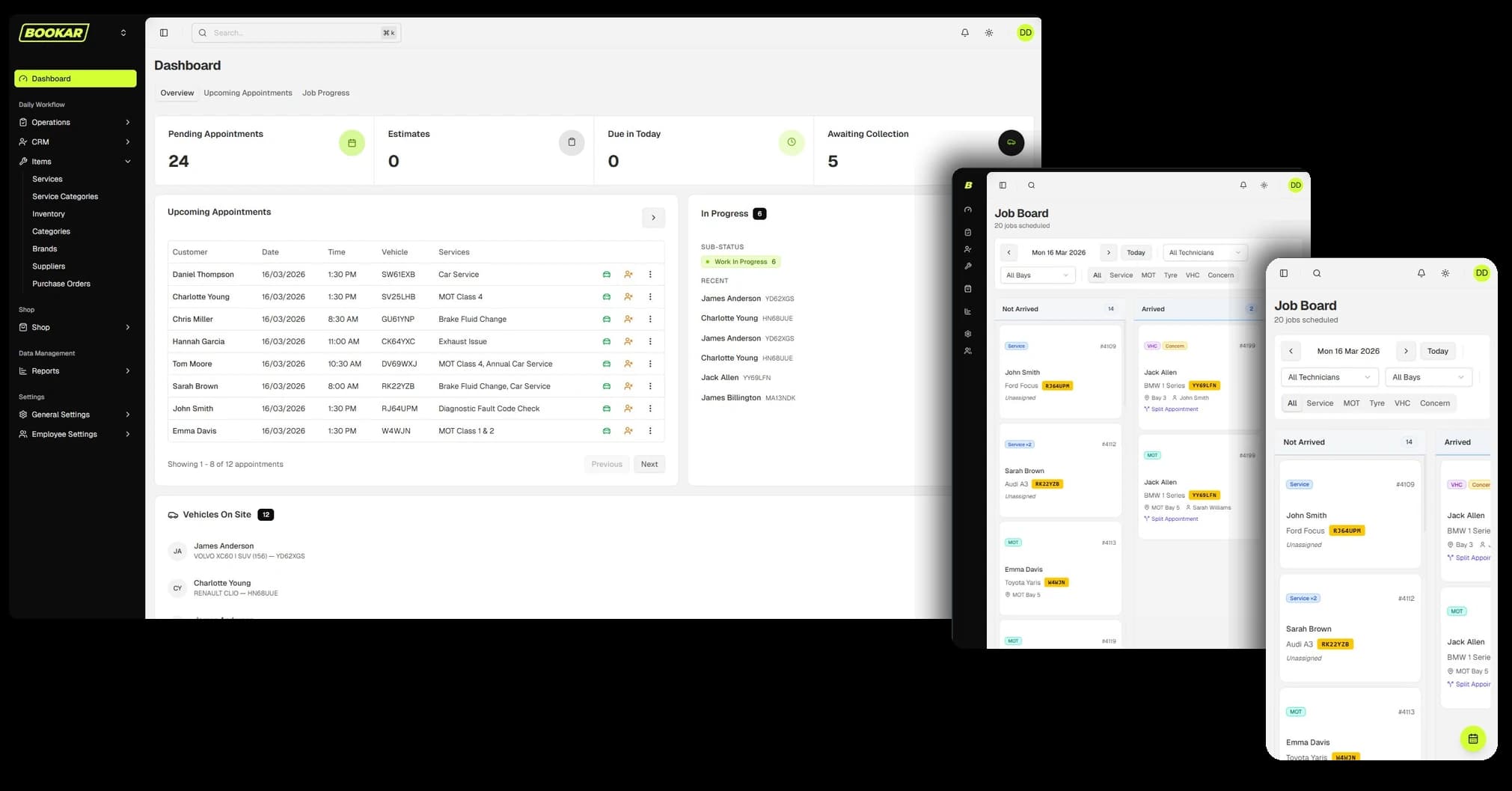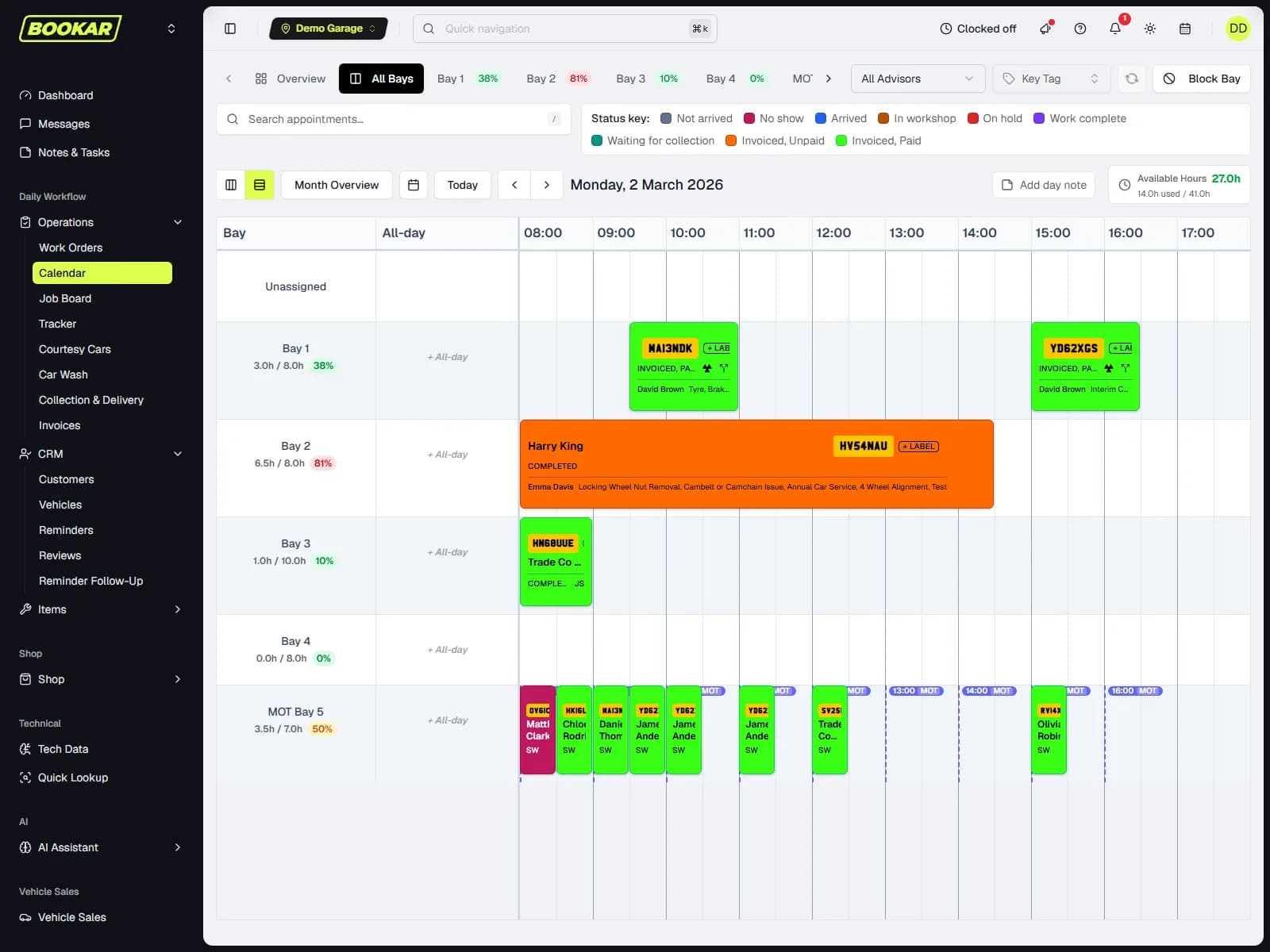
Every vehicle health check finds something. Tyres at 3mm, pads with a few thousand miles left, a weeping shock absorber, a wiper blade that smears. The customer is told, nods, says “not today”, and drives away. Then the advisory sits on a closed work order where nobody will look at it again, and six months later the same car comes back, or goes somewhere else, with the same worn parts.
A lot of garages do the inspection well and the follow-through badly. The check costs you technician time either way. What you get back depends on what happens after the customer says no.
Why advisories die
Most of the work that never comes back is lost for one of a handful of reasons:
- There was no price. “Your rear pads are getting low” is not a decision the customer can make. “Rear pads, £140 fitted” is.
- The customer never saw it. They heard about it second-hand, at the counter, in a hurry.
- It went to the wrong place. The link went to an old email address and nobody noticed.
- “Not today” was treated as “no”. The job was deleted from the work order, so the record of it went too.
- Nobody brought it up again. The next visit was booked for an MOT, and the advisor did not know about the pads.
Each one has a simple fix. Together they turn advisories into a steady source of booked work.
1. Put a price on it before you ask
The customer needs a number to say yes to. Price each fail and advisory as a job, with its parts and labour, before anything goes to the customer, and show the total for everything you are recommending. A customer who sees £180 for the brakes and £95 for the wipers and the bulb can choose. A customer who hears “a few things” will usually choose nothing.
Quoting a repair quickly matters here, because the price has to be ready while the car is still on the ramp. In BOOKAR, recommended work totals itself up (job count, hours, the labour and parts split, VAT and total), and Smart Jobs prices a repair from a few words such as “rear pads”, with the manufacturer's labour time at your rate and live parts prices from your supplier.
2. Show the problem, in words the customer understands
A photo of the worn tyre does more than any explanation. A short video of the play in a wheel bearing does more still. Attach the evidence to the item it belongs to, so the customer sees the advisory and the picture together.
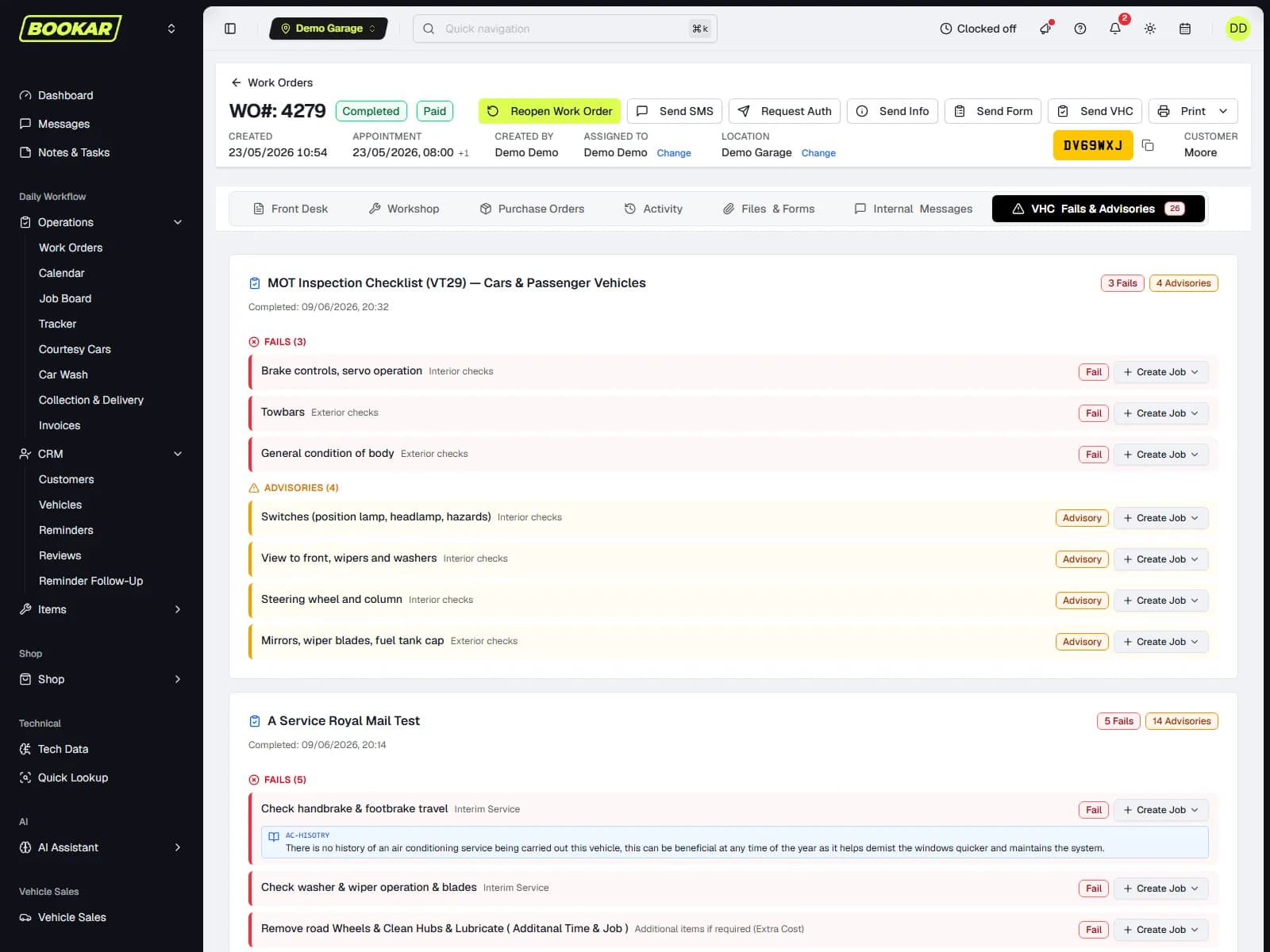
Then check the wording. “N/S/R damper misting” means something to a technician and nothing to a customer. “The rear left shock absorber is starting to leak. It still works, but it will get worse” is something they can act on. BOOKAR's digital vehicle health check has a built-in library of advisories written in plain English for the customer, grouped by vehicle system, so technicians are not writing them from scratch at the end of every check.
3. Send it where they will read it, and check they did
Send the report and the authorisation request by text or email, as a link the customer can open on their phone, see the photos, and approve item by item. Two details make a real difference:
- Show the full picture. A customer approving a £300 advisory wants to know what the whole bill comes to. BOOKAR's authorisation page shows the other work already booked on the car and a running estimate as they approve items.
- Know when it has been opened. An unopened link after an hour is usually a wrong email address, not a customer thinking it over. BOOKAR notifies whoever sent the request the first time the customer opens it, so you can tell the two apart and pick up the phone.
Preview the request before it goes. It is the easiest way to catch a missing photo or a price that is still at zero.
4. Treat “not today” differently from “no”
This is where most of the value is lost. When the customer declines an advisory, the usual move is to remove the job from the work order. It is gone, along with its price, its photos and the record that it was ever found.
Park it instead. In BOOKAR, Park is offered wherever Remove is. A parked job keeps its parts, labour, prices, VHC reference and photos, and is tied to the vehicle it came from, while its stock reservation is released so the parts are not held on the shelf for months. The customer's record gets a Parked Jobs tab listing everything waiting, who parked it, and from which visit.
5. Bring it back at the next visit, automatically
The best time to sell a parked job is when the car is next booked in. The customer is already coming, the car is already on the ramp, and the labour often overlaps.
That only works if the advisor knows the job is there. In BOOKAR, opening a work order for a customer with parked jobs shows them at the top of the page with a one-click Add to this work order. The job comes back at the price it was parked at, because the customer may have been quoted it, and lands as needing authorisation unless they had already said yes. Nobody has to remember that the pads were mentioned in March.
6. Follow up between visits
Some advisories cannot wait for the next service. Tyres close to the limit and brakes that will be metal-on-metal by spring deserve a call before then. Give each one a sensible follow-up point when you park it: a month for tyres at 2mm, three months for pads that are getting low. Then work through the list. A short call (“we noted your front tyres were close to the limit in October, can we book you in?”) is helpful, not pushy, and it is a booking you would not otherwise have had.
7. Measure what your inspections find, and what sells
You cannot improve what you do not count. The numbers worth watching are:
- The value of work your inspections identify.
- How much of it the customer authorises.
- How much is declined, how much is still waiting for an answer, and how much was prepared but never put to the customer at all.
- Your authorisation rate, overall and by service advisor.
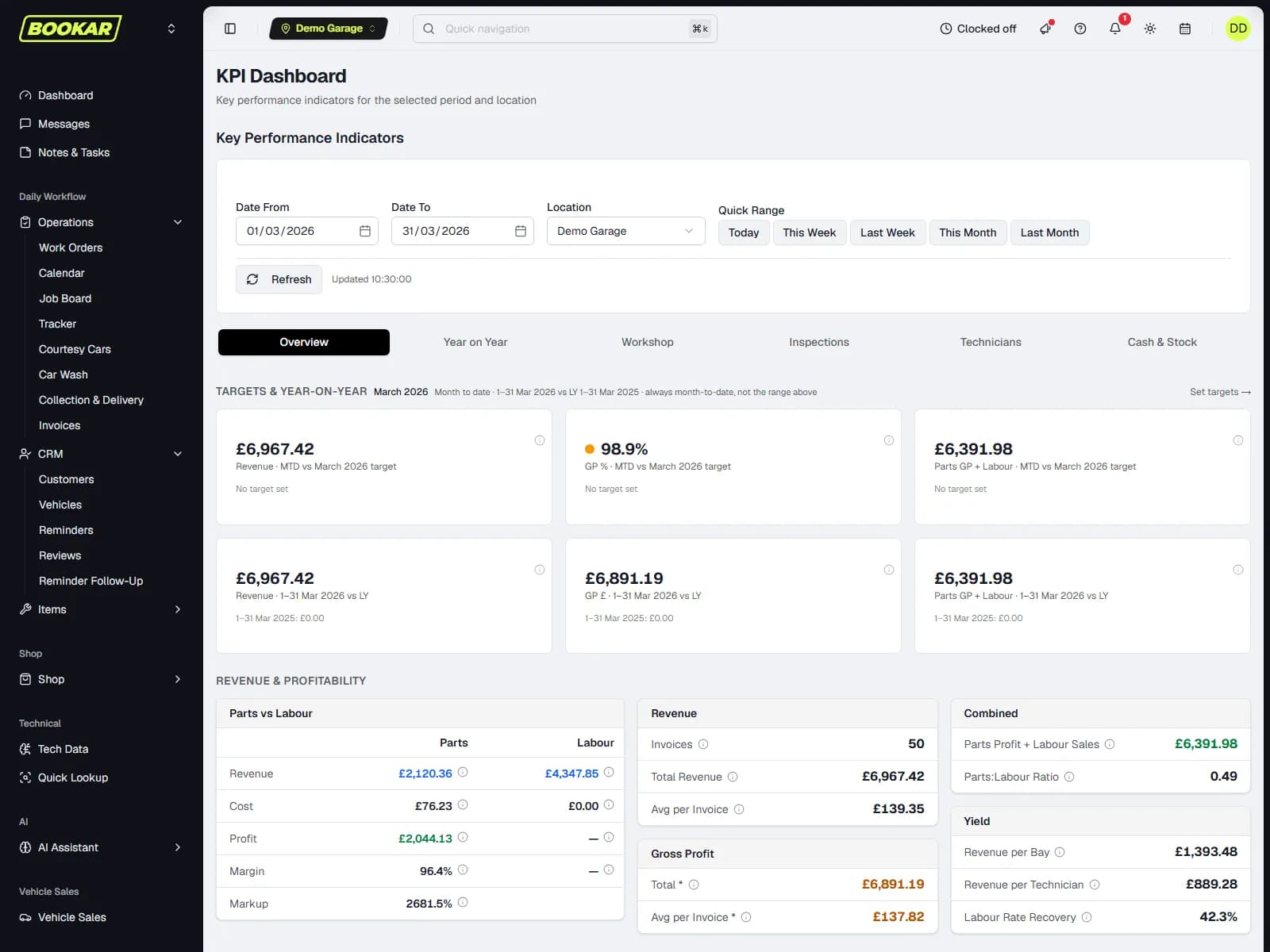
That last split is the most telling. Work that was found and priced but never sent is the cheapest revenue you will ever recover. It needs a process, not a sale. BOOKAR's KPI dashboard has an Inspections tab that shows exactly these figures, and it can be filtered to one advisor.
What this looks like when it is working
The technician completes the check with photos on each fail and advisory. The advisor prices the work, previews the request and sends it. The customer opens it on their phone, approves the brakes, declines the tyres for now. The tyres are parked against the car. Three months later the car is booked in for a service, the tyres appear at the top of the work order, and the advisor asks again, with the photo.
None of that depends on anyone's memory. It is the normal behaviour of a garage management system where the inspection, the quote, the authorisation and the customer record are all the same job.
Inspections that sell the work they find
Photos, plain-English advisories, authorisation by text or email, and parked jobs that come back at the next visit.